

Building Your First Automated Invoice Workflow
Learn how to set up automated invoice processing in under an hour. No coding required — just visual workflow building.
Read More
Stop spending hours matching transactions. Learn how to connect your bank feeds and automate the reconciliation process with visual workflows.
You know the routine. End of month arrives. Finance team gathers bank statements, exports transactions, opens spreadsheets. Someone manually compares line items for hours. It's tedious, error-prone, and honestly — a waste of skilled people's time.
Most teams reconcile the same way they did ten years ago. That's changing. With low-code workflow platforms, you can automate the matching process, flag discrepancies automatically, and get your books closed in a fraction of the time. We're not talking about complicated custom software. These're visual workflows anyone can build.
This guide walks you through a real reconciliation workflow. We'll show how to pull data from your bank, match it against your records, and handle exceptions — all without writing code.
Automated matching cuts reconciliation hours dramatically
Complete reconciliation within one business day
Consistent matching rules eliminate human error
The workflow follows a simple pattern: pull match flag report.
Connect directly to your bank via API or import statements daily. The system pulls transaction date, amount, reference, and balance. No manual exports. No waiting for end-of-month files.
Compare bank transactions against your accounting records using flexible rules. Match on amount + date within 3 days. Match on reference number. Match on amount + vendor. You control the logic.
Unmatched items route to a review queue. Duplicate transactions get flagged. Pending deposits stay separate. Your team focuses only on items that need actual investigation.
Automatic reports show matched transactions, unmatched items, and discrepancies. Update your GL automatically. Archive everything for audit trail. Month closes without manual adjustments.
This's where the automation actually shines. You define the rules once. The system applies them every reconciliation cycle.
Start simple: match transactions where the amount and date (within 2-3 days) both align. That catches most invoices and expenses. Then layer on vendor name matching for wire transfers. Add reference number matching for ACH payments. Most teams find that 80% of their transactions match automatically with just three basic rules.
For the remaining 20% — those're the ones requiring actual investigation. Maybe a deposit cleared in a different month. Maybe an invoice was split across two checks. These exceptions get routed to your team with full context, not buried in a spreadsheet somewhere.

Getting this running takes about two weeks. You're not starting from scratch — most low-code platforms provide reconciliation templates. You customize them for your specific needs.
Connect your bank account. Map your GL accounts. Test pulling a month's transactions. Most platforms handle this through simple UI wizards — no technical knowledge needed. You're basically filling in forms and clicking checkboxes.
Define your matching rules. Run against last month's data to see how many transactions match automatically. Refine the rules if you're seeing too many exceptions. Once you're hitting 75-80% automatic matches, you're ready to go live.
This article is educational only and is not financial or investment advice. Reconciliation outcomes vary based on your specific bank relationships, account structures, and transaction patterns. Consult with your finance team or accounting professionals before implementing automated reconciliation workflows.
Learn how to set up automated invoice processing in under an hour. No coding required — just visual workflow building.
Read More
Reduce approval cycles from days to hours. We'll walk through a complete expense automation workflow.
Read More
Replace manual report generation with automated workflows. Get consistent, accurate financial reporting every month.
Read MoreDeposits that clear on different days mess up your matching. Solution: build in a 3-day date range on your matching rules. This catches most timing differences without being too loose.
Occasionally the same transaction appears twice in your system. Solution: add a duplicate detection rule that flags when the same amount + vendor appears within 24 hours. Your team reviews these manually.
Bounced checks and reversals create special cases. Solution: create separate rules for these transaction types so they route to the right person without getting stuck in standard matching.
International transfers need FX rate matching. Solution: match on transaction amount plus currency code, accounting for exchange rate variance (typically 0.5-1% tolerance).
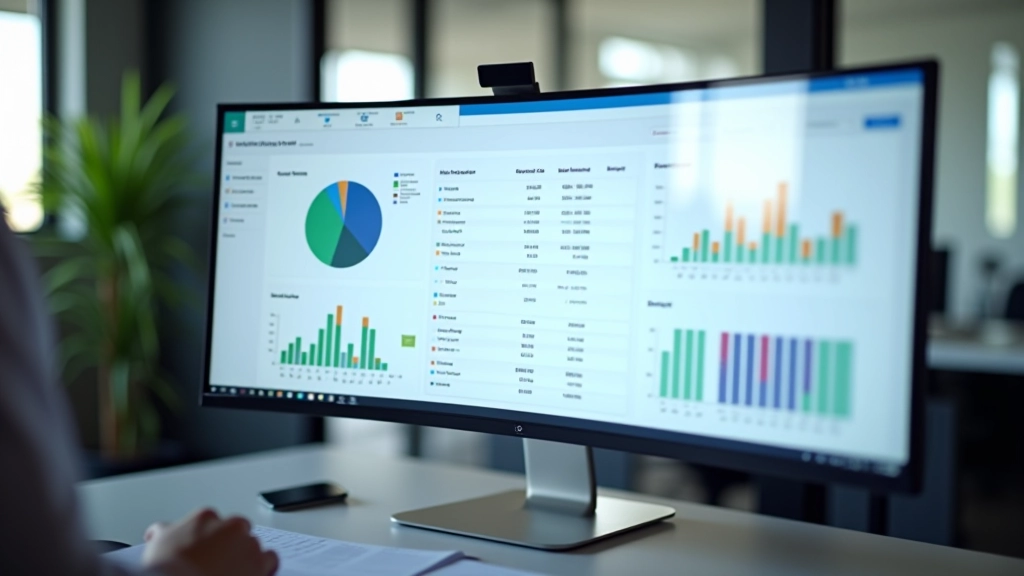
Once the workflow's running, here's what changes. First month? Probably 75-85% of transactions match automatically. That's not 100%, but it's 80% less work for your team. Second month? You hit 85-90% as you refine your rules. By month three, you're pushing 90%+ on standard transactions.
The time savings are real. Instead of someone spending 6-8 hours manually reconciling, they're spending 1-2 hours reviewing the 10-15% of transactions that the system flagged. You're paying someone to think and investigate, not to copy and paste between spreadsheets.
Most teams also notice fewer errors. The system's consistent. It applies the same rules every time. You don't get human fatigue affecting accuracy on the last batch of transactions.
Bank reconciliation doesn't have to consume your month-end. With low-code workflow automation, you're replacing manual data entry with intelligent matching. Your team shifts from tedious transaction-by-transaction comparison to strategic exception handling and investigation.
Start small. Pick one bank account. Build your matching rules. Run it parallel to your manual process for a month to build confidence. Once you see it working reliably, expand to other accounts. You'll reclaim hours every month that you can redirect to actual accounting work.
Ready to explore automated reconciliation? Check out the other automation guides in our series. They show workflows for invoices, expenses, and reporting — all built the same way.
Explore More Automation Guides