

Building Your First Automated Invoice Workflow
Learn how to set up automated invoice processing in under an hour. No coding required.
Read ArticleReplace manual report generation with automated workflows. Get consistent, accurate reports every month without the busywork.

Let's be honest — manually compiling monthly reports is painful. You're pulling data from multiple systems, checking figures twice, formatting spreadsheets, and hoping nothing got missed. It's tedious work that takes hours and leaves room for errors.
The good news? You don't have to do it anymore. Automated reporting workflows can handle all of this in minutes. We're not talking about complex custom coding. Simple drag-and-drop automation can connect your financial systems, pull the right data, calculate totals, and generate professional reports automatically every month.
The basic process is straightforward. Your workflow connects to your accounting system or bank feeds, extracts the transactions for the month, organizes them into categories, calculates running totals, and generates a formatted report. No manual steps in between.
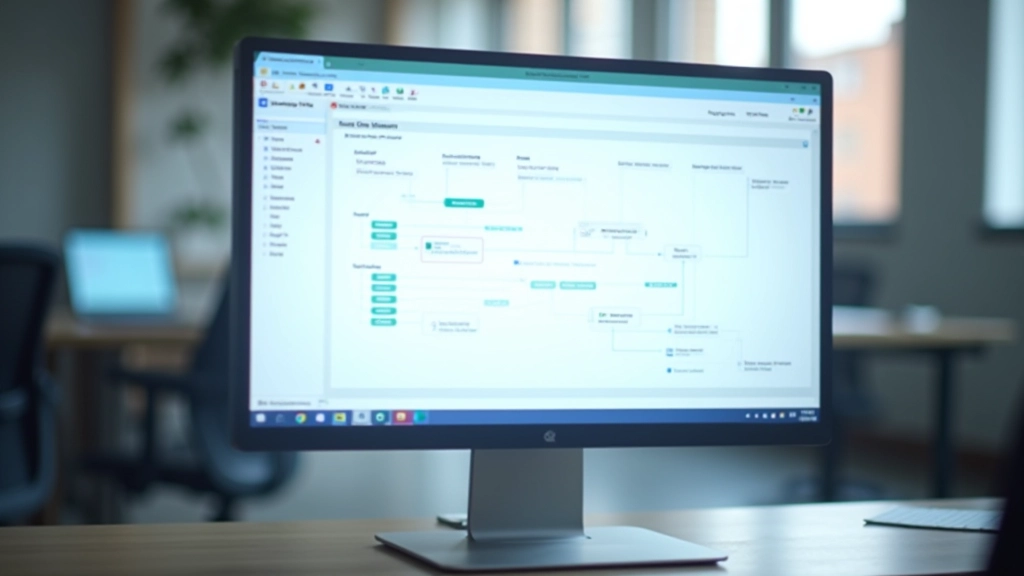
Most finance teams use low-code platforms to build these workflows. You don't write code — you click together components that represent each step. It typically takes 30-45 minutes to set up your first automated report, and then it runs itself every month on schedule.
The typical timeline: 30 minutes to build 5 minutes to test runs automatically on the 1st of each month forever.
This article is educational only and is not financial or investment advice. Outcomes are not guaranteed and may vary. Always consult with qualified financial professionals before implementing new processes in your organization.

Editorial Team
Written by the FlowWorks Automation editorial team, focused on practical guidance for finance automation without the hype.

Most automated monthly reports include the same elements: revenue totals by category, expense summaries, account balances, and variance analysis comparing this month to last month. Your workflow pulls all of this automatically.
You can also add conditional logic. If expenses exceed a certain threshold, the report flags it. If a particular revenue stream drops, it highlights that. The automation doesn't just compile numbers — it can add analysis and context based on rules you set.
Continue learning about finance automation workflows
Learn how to set up automated invoice processing in under an hour. No coding required.
Read Article
Reduce approval cycles from days to hours. A complete walkthrough of expense automation.
Read Article
Stop manual reconciliation. Learn how to connect bank feeds and automate the entire process.
Read ArticleHere's the practical process most finance teams follow. Start simple — don't try to automate your entire reporting structure on day one. Pick one standard report you generate every month and automate that first.
Identify which systems contain the data you need. Usually this is your accounting software, bank, and maybe a CRM for revenue tracking.
In your automation platform, connect these sources and add steps to pull data, filter it, calculate totals, and format it for your report template.
Run the workflow manually once using actual data from your last completed month. Compare the automated report to your manually-created version.
Set the workflow to run automatically on your preferred schedule — usually the first business day of the month at a specific time.


Yes, you'll save hours each month. But there's more value here than just time. Automated reports are consistent. Every month follows the same format, uses the same calculations, and pulls from the same verified sources. That consistency makes it easier to spot actual changes in your business — because you're not squinting at different formatting or trying to remember how you calculated something last month.
You'll also have a complete audit trail. The workflow shows exactly what data was pulled, when it was pulled, and what calculations were applied. If someone questions a number, you can trace it back to the source. That's valuable for internal reviews and for external audits.
And honestly, your team will appreciate not spending the first few days of every month in report-generation mode. They can focus on analysis instead of data compilation. That's where the real insights come from.
Automating your monthly reports doesn't require a massive overhaul. Start with one report. Get comfortable with how the workflow platform works. Then automate your second report, and your third. Within a few months, you'll have most of your routine reporting automated.
The first workflow takes the longest because you're learning the platform. By your third or fourth automation, you'll be building workflows in 15-20 minutes. And your finance team will wonder how they ever managed without this.
Learn more about low-code platforms and how they work for finance teams.
Explore More Resources